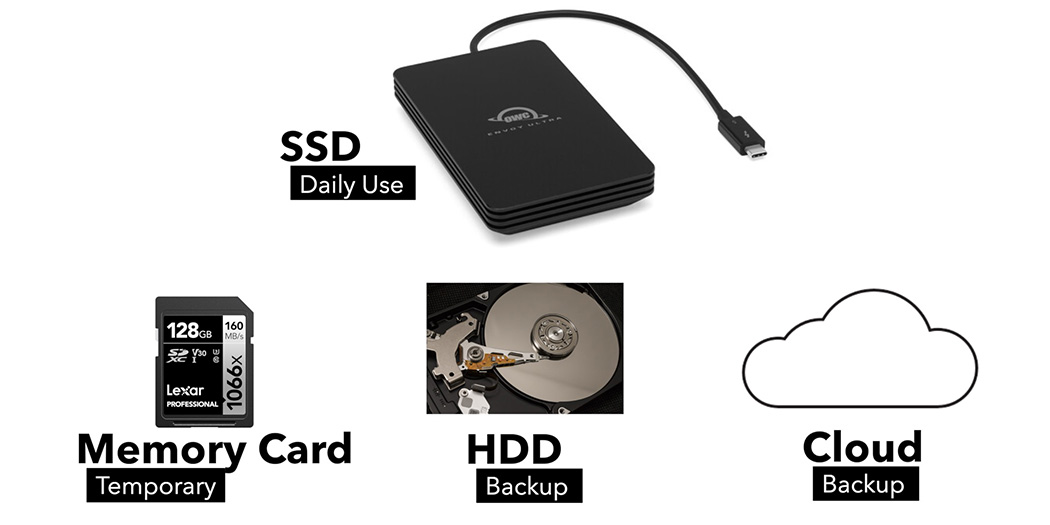
Why Every Photographer Needs a Post-Capture Storage Workflow
Your photography workflow doesn’t end at the shutter. Learn how to organize, store, and back up your photos the right way, so your memories stay safe for life.

Your photography workflow doesn’t end at the shutter. Learn how to organize, store, and back up your photos the right way, so your memories stay safe for life.
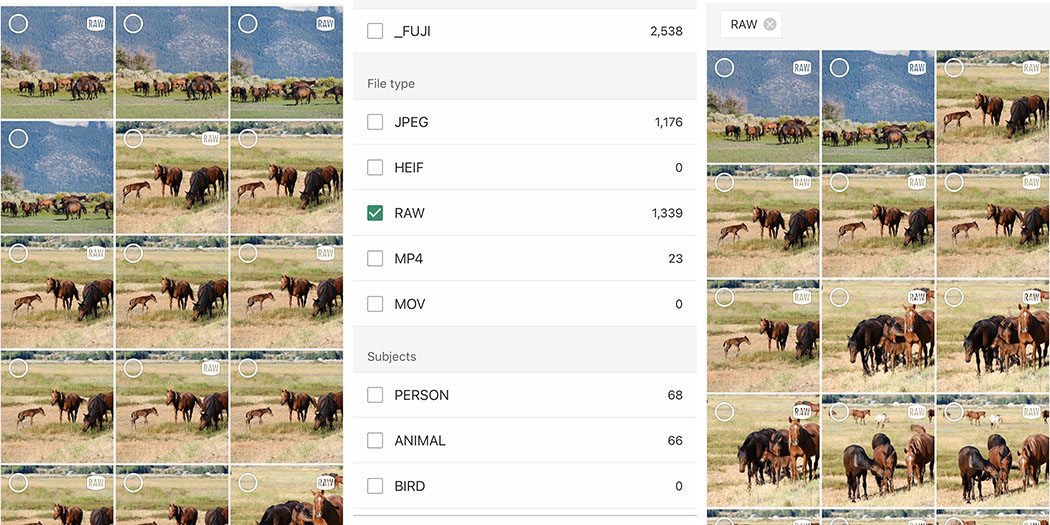
Transfer RAW files directly from your Fujifilm camera to your smartphone with the latest firmware update and XApp version.
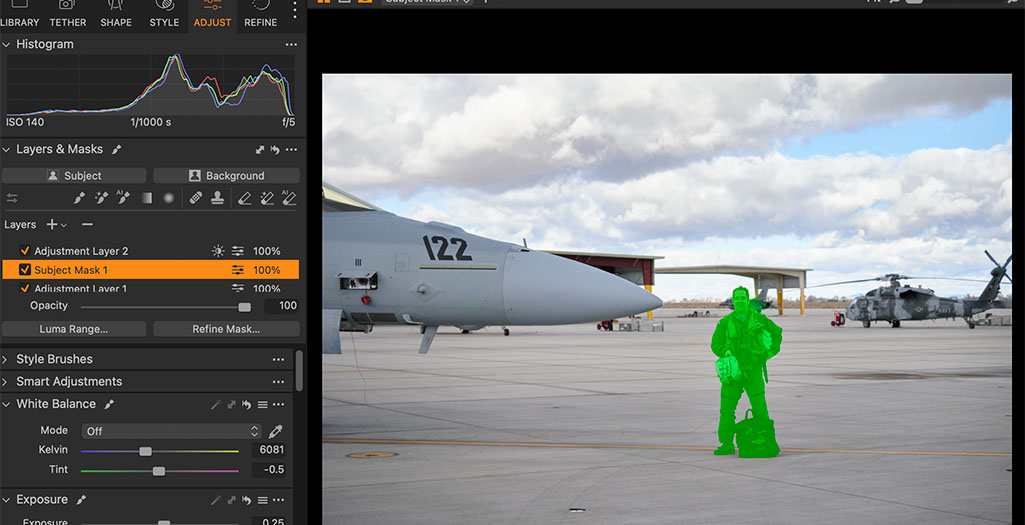
AI in photography isn’t just for adding unicorns to photos and replacing skies. Here are some ways to ethically use AI in your photography.
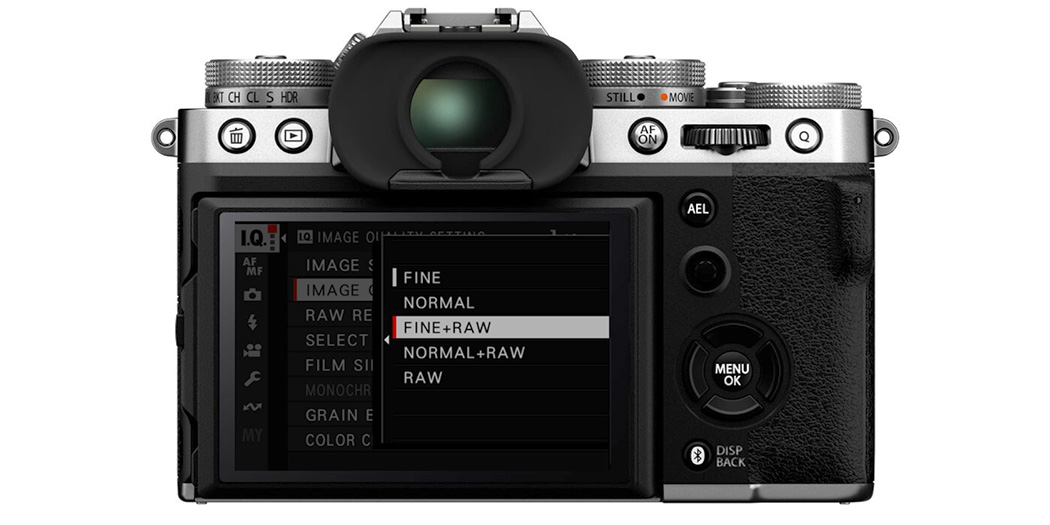
A RAW+JPEG workflow has a lot of advantages for many photographers – but can also complicate post-processing. Here are some workflow solutions.
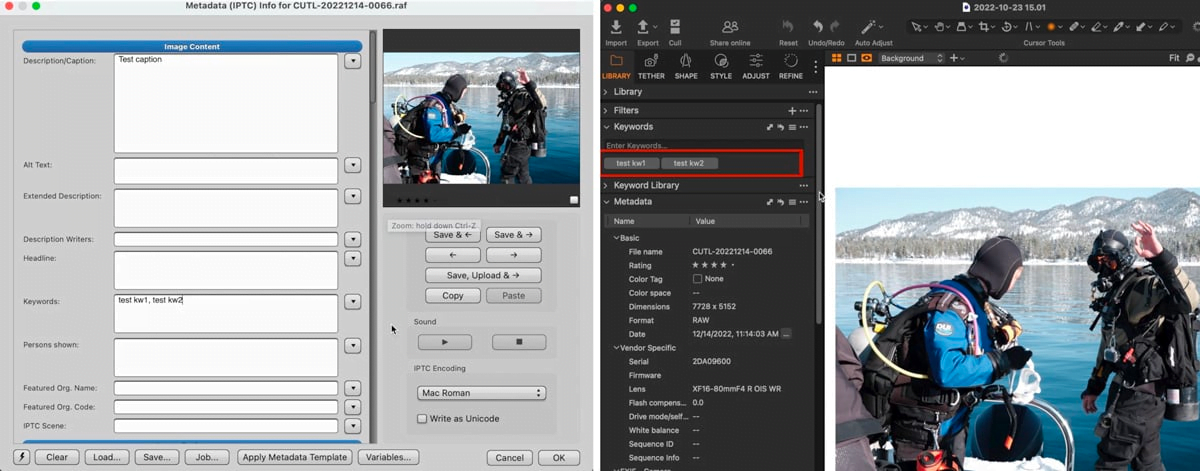
This Photo Mechanic and Capture One workflow is fast and easy, and will give you the most desired features of both programs.
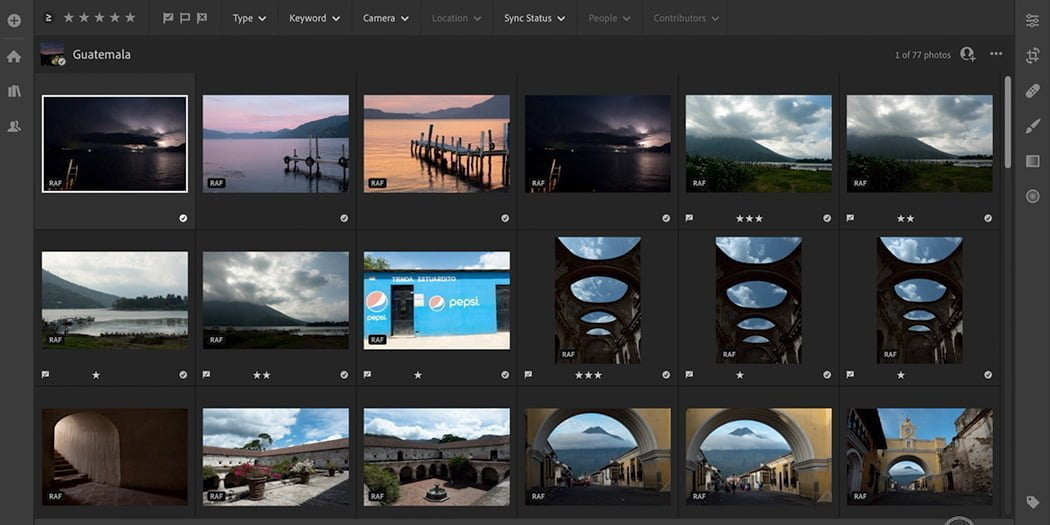
The 1-5 star photo rating system is very useful for editing your photos, but many are doing it wrong. Here’s a better way to edit photos.
Adding photo geolocation information in Photo Mechanic can be very beneficial. These are the different geotagging methods in Photo Mechanic.
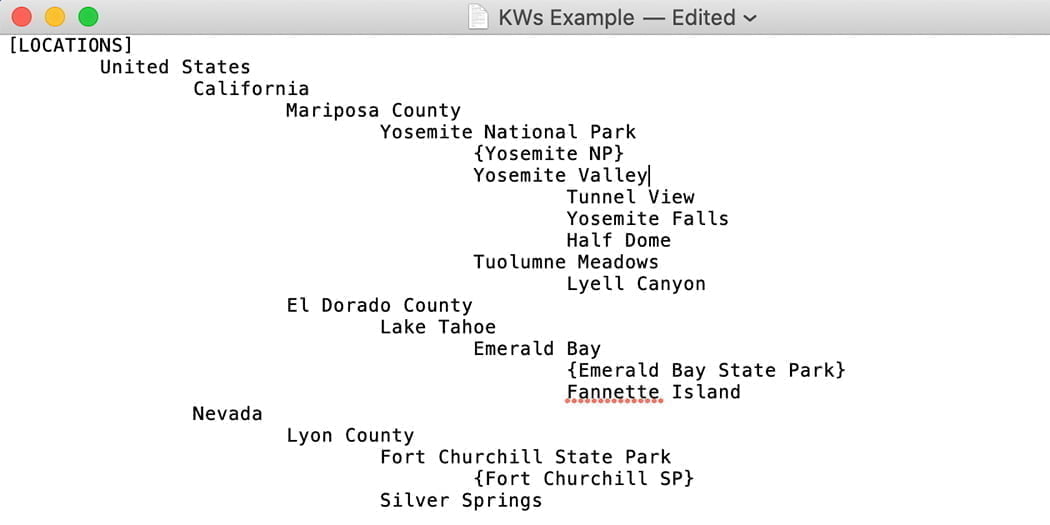
Keywording is a vital part of photo editing. But the cumbersome nature deters a lot of people. Use Structured Keywords to make it easy!
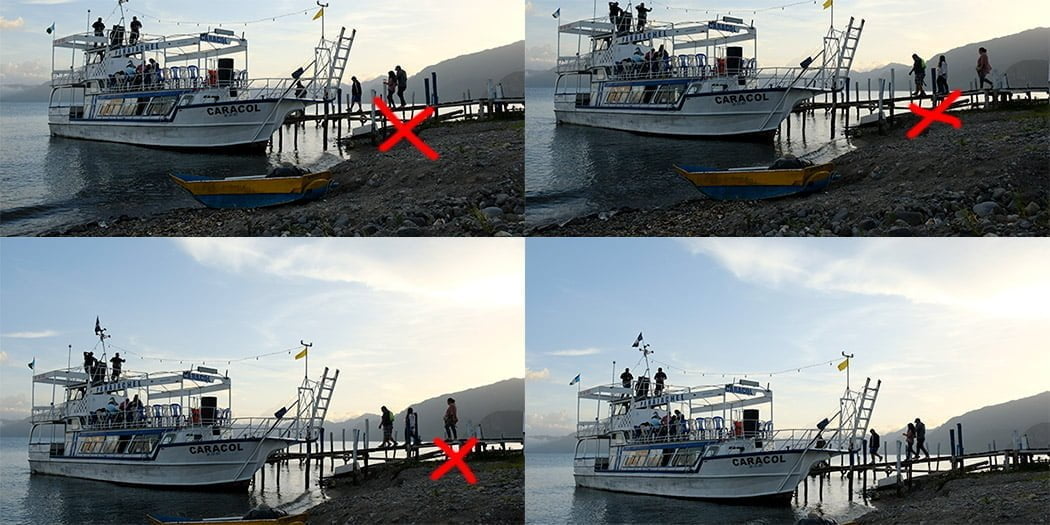
A lot of photographers don’t pay attention to the how or why when they’re editing photos. But doing so can help improve your photography.
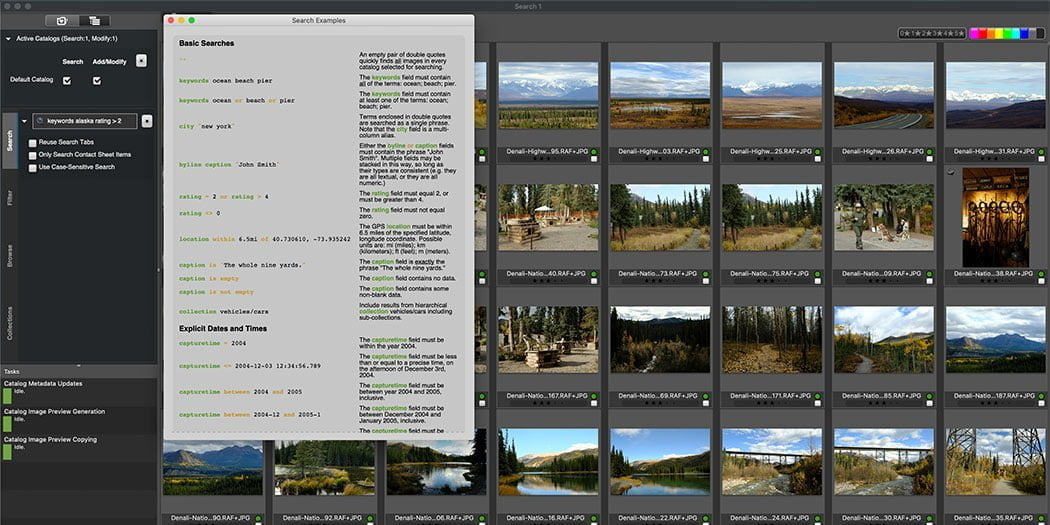
The Photo Mechanic Plus cataloging feature is an extremely powerful tool to organize your photo library. Here are some of the ways to use it.