What Is Fujifilm's Reala Ace?
Disclosure: This post may contain affiliate links. I earn a small commission of product sales to keep this website going.
Reala Ace is Fujifilm’s newest film simulation, and it's confusing a lot of people. It doesn’t have an obvious look like Classic Chrome or Nostalgic Neg, so it’s hard to tell how it's different from Provia. Here’s what it does to tone and color, compared against Provia, and when you might want to use it.
Which Cameras Have Reala Ace?
Reala Ace is only available on X-Trans 5 cameras, like the X-E5, X-T5, and X-T30 III. Some of those cameras didn’t ship with it. The X-T5, X-S20, and X-H2 got it through a firmware update, so if you have one of those, check that your firmware is current. It's also available in recent GFX cameras. I expect all new releases with the new sensors to also have Reala Ace.
Tonal (Contrast) Differences
Crisper highlights. Reala Ace has slightly punchier, more contrasty highlights than Provia. In a portrait, the bright areas on this face have more snap. In a landscape, clouds look more three-dimensional. The highlights just have more definition, like the carvings on a headstone.
Shadows get a little softer. Compared to Provia, Reala Ace has slightly less shadow contrast. Dark areas are a touch brighter, and you can see a bit more texture and color in them.
Using the comparison sliders, Provia is the "before" and Reala Ace is the "after":
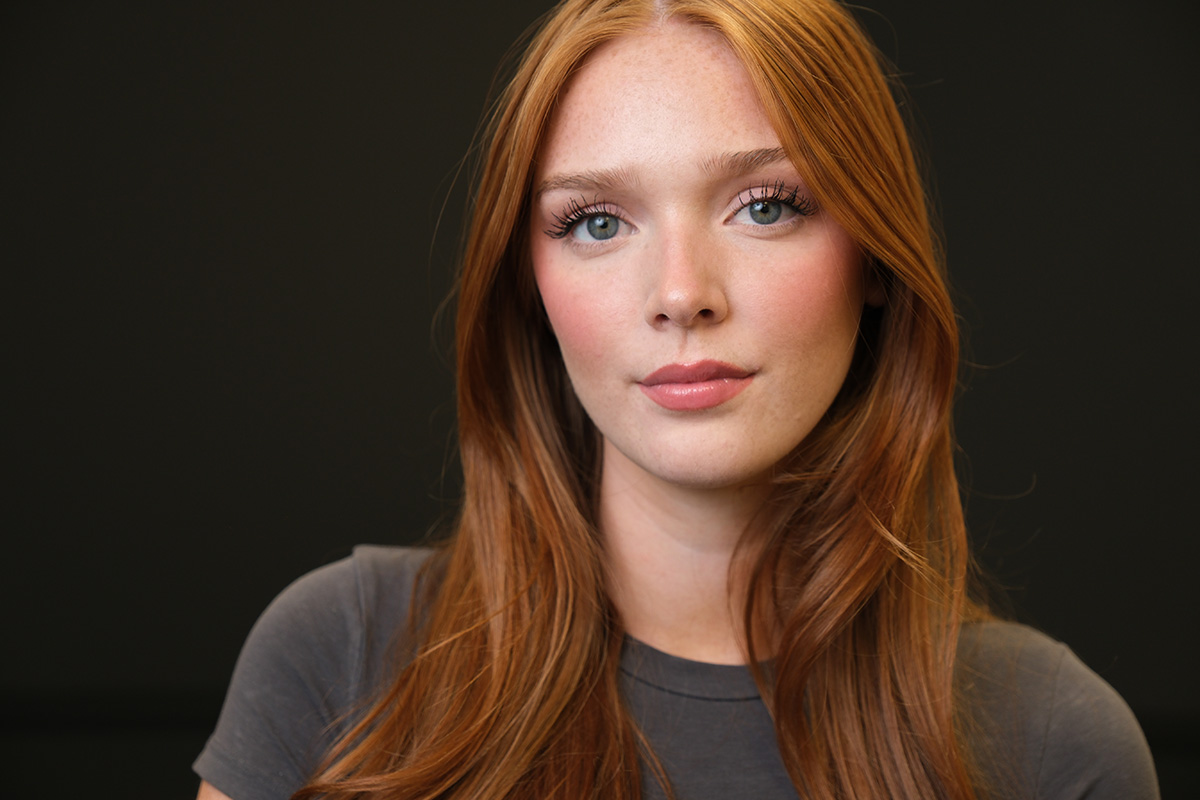
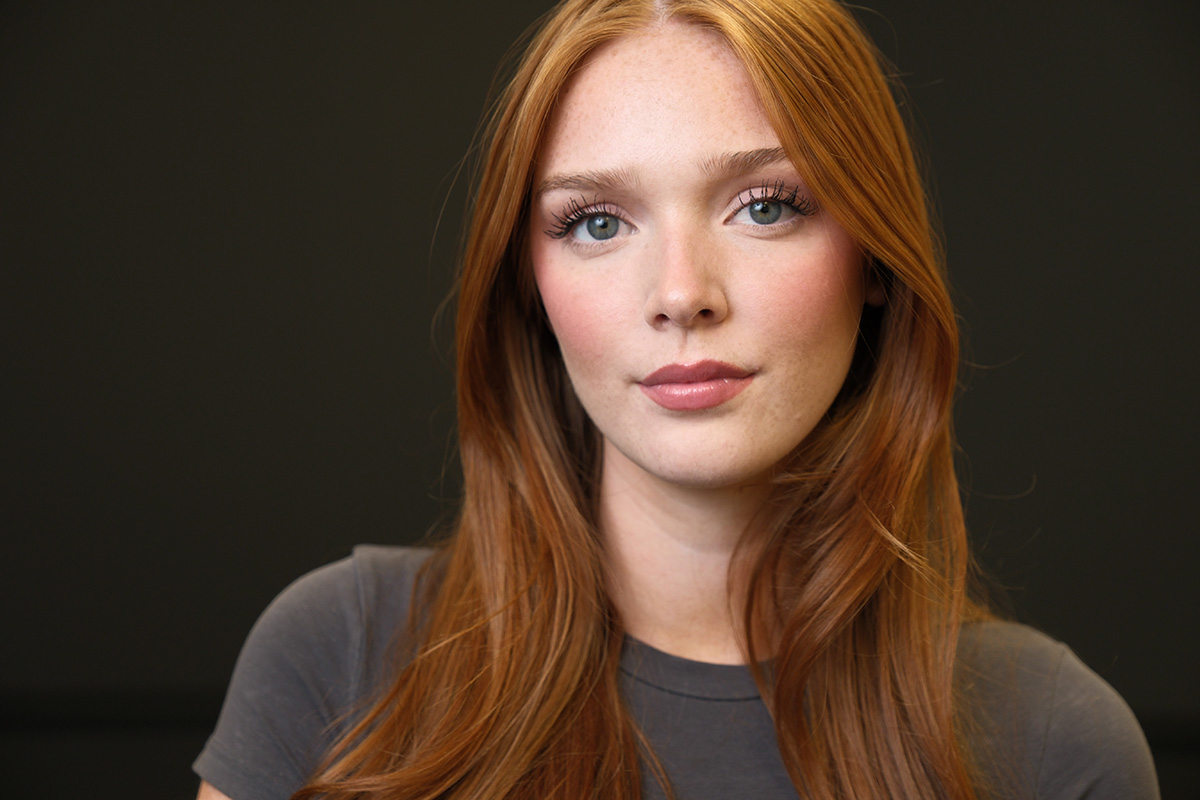
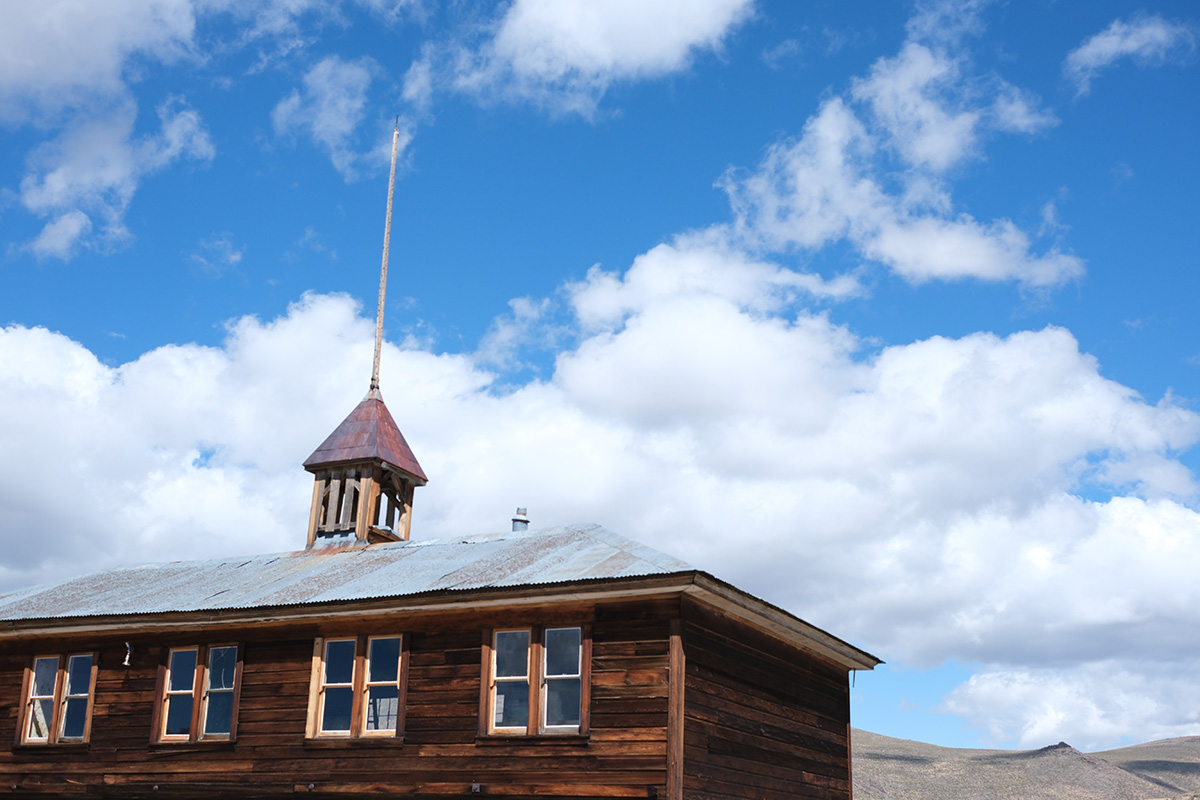
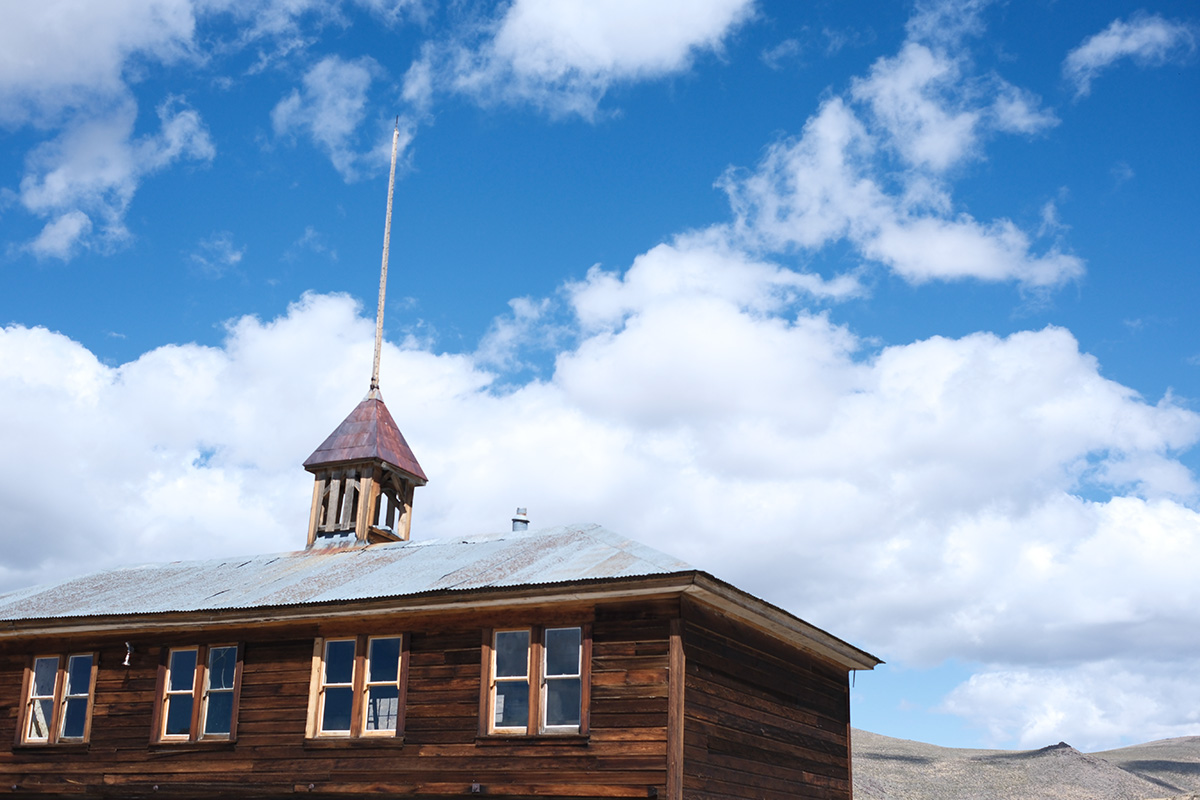
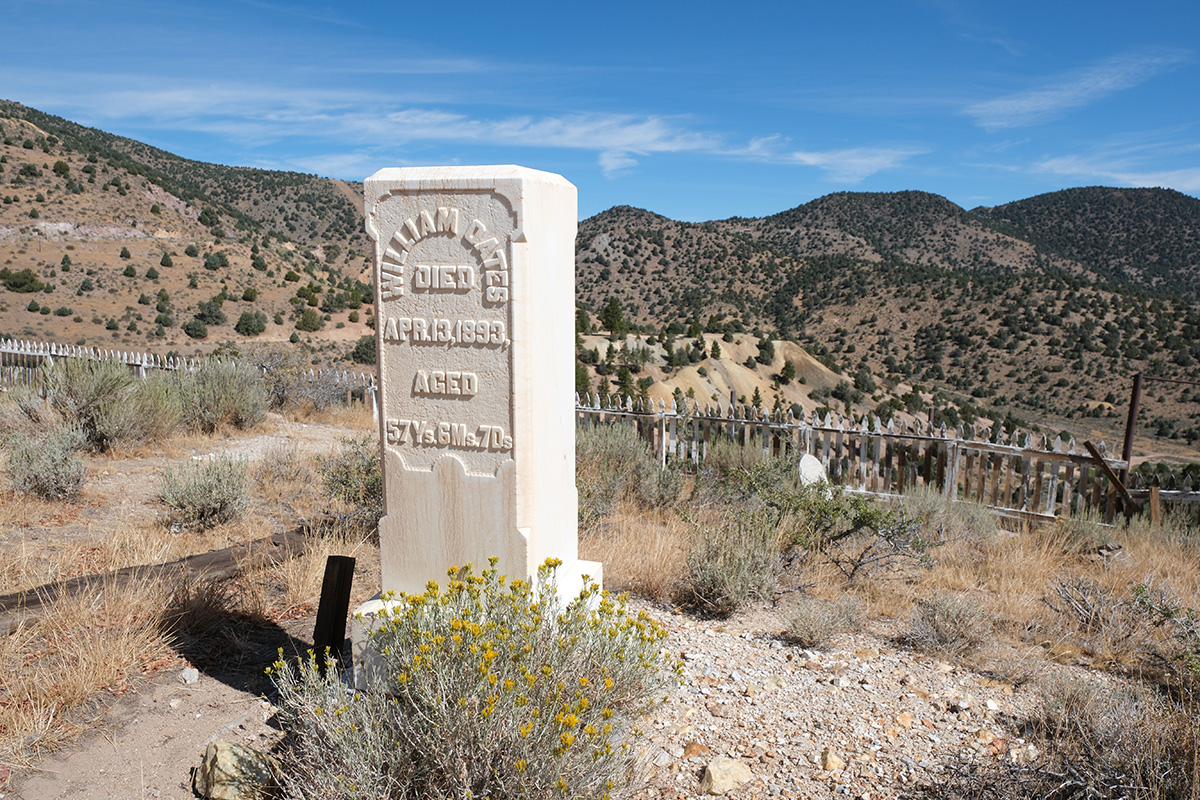
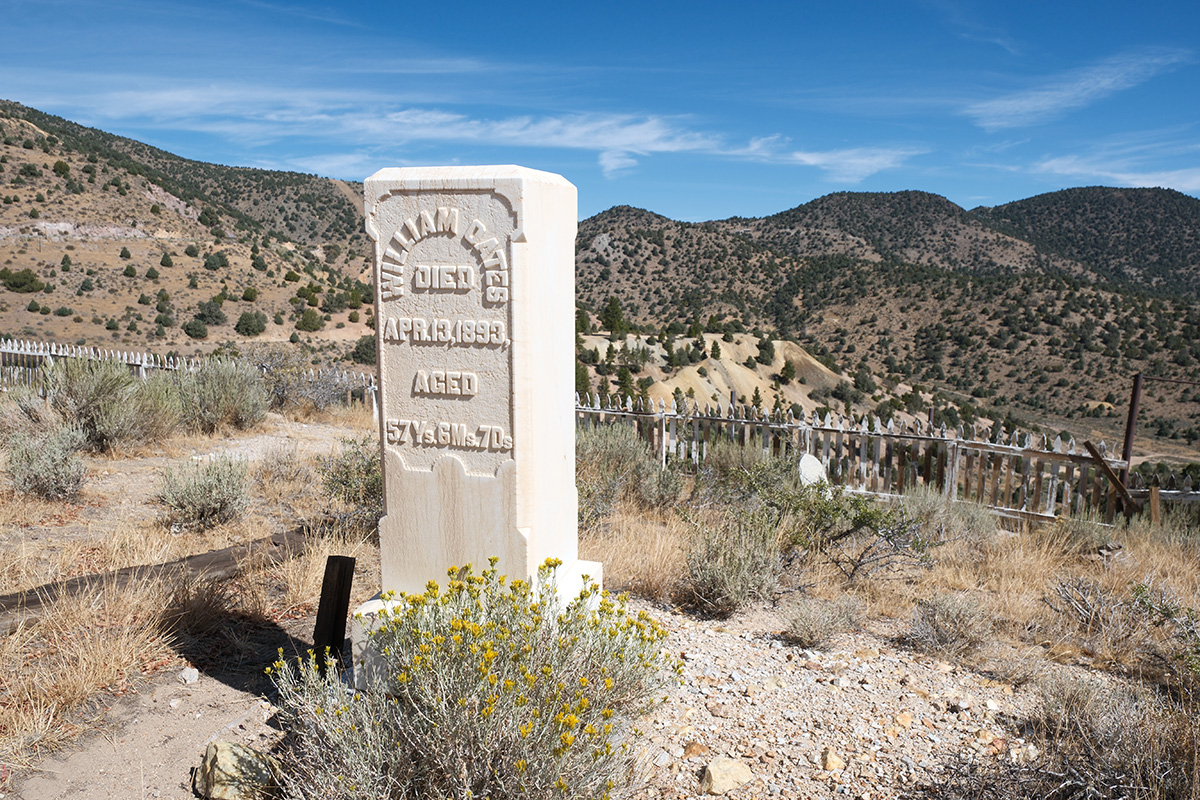
So you get more punch in the highlights and a bit more detail in the shadows. It’s not an extreme look; it's quite subtle and may not be obvious unless you're doing close-up comparisons. It’s fairly lifelike, nothing like the strong contrast of Eterna Bleach Bypass or Classic Neg.
Reala Ace and Color
This is where Reala Ace gets harder to describe, because several things happen at once.
No color cast. Reala Ace stays neutral. Nothing is shifted warm or cool.
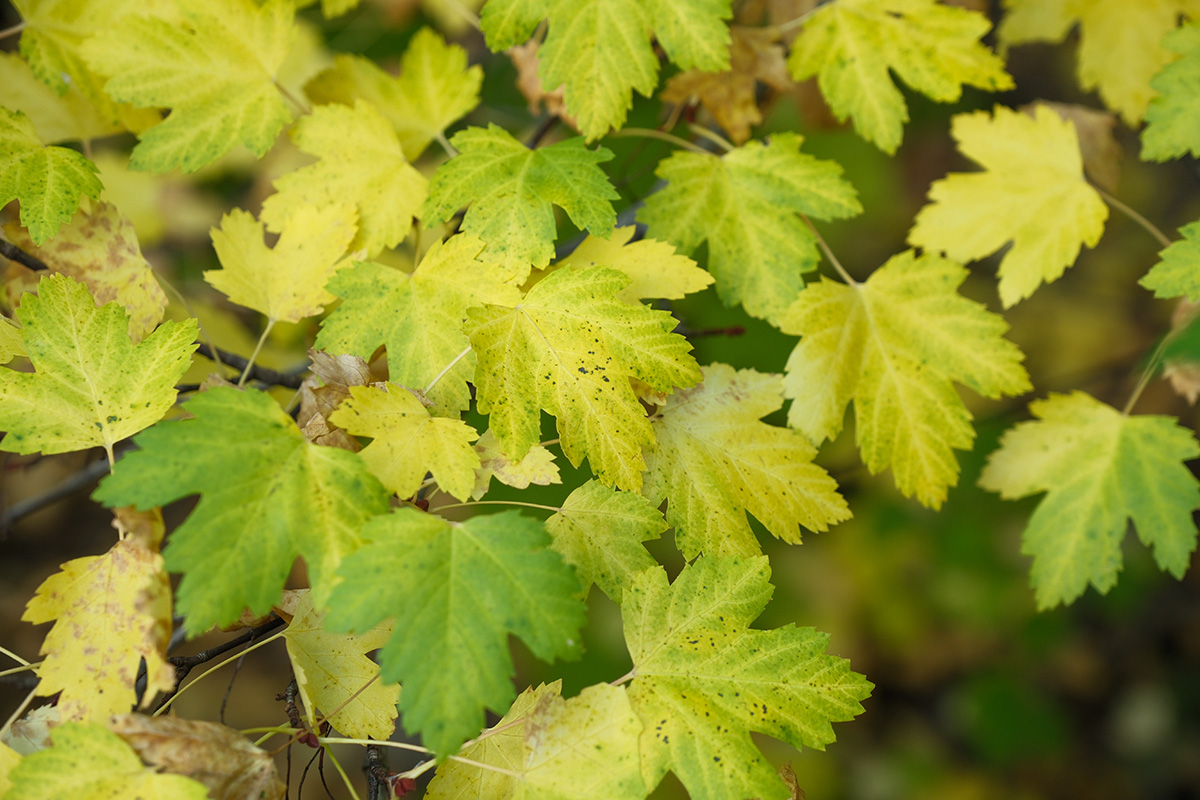
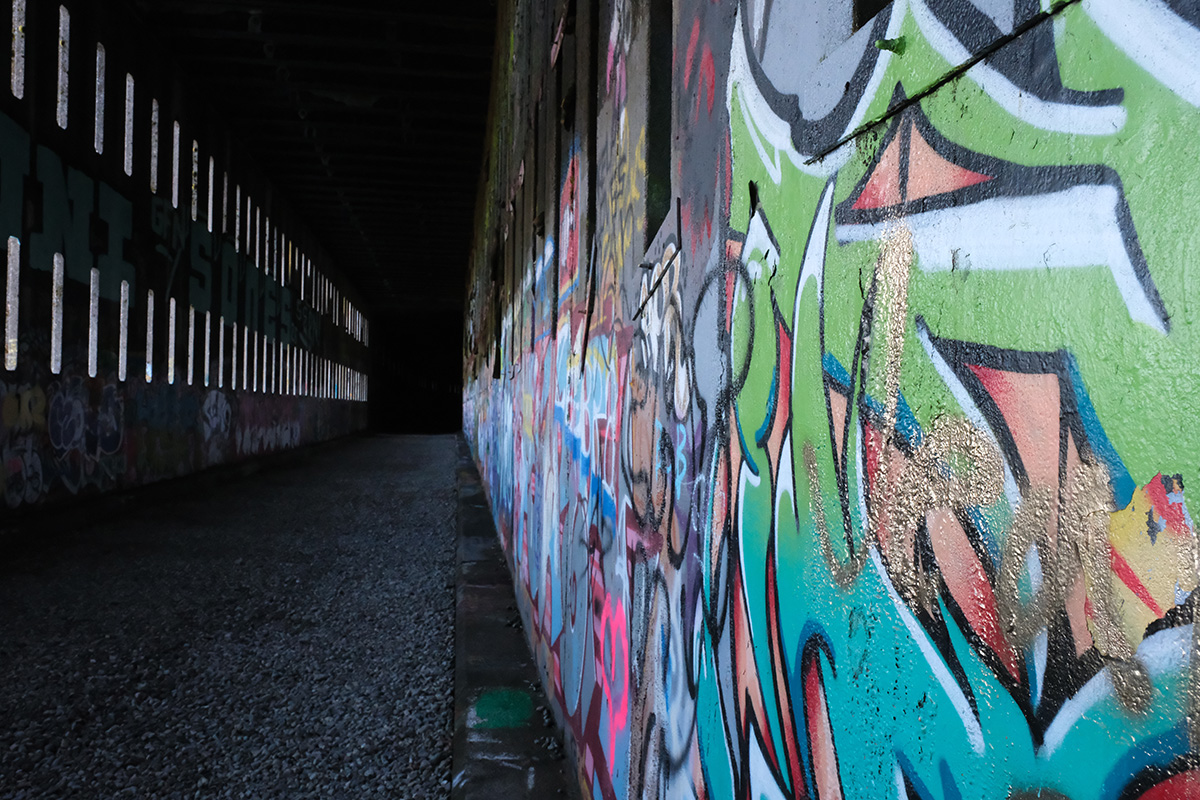
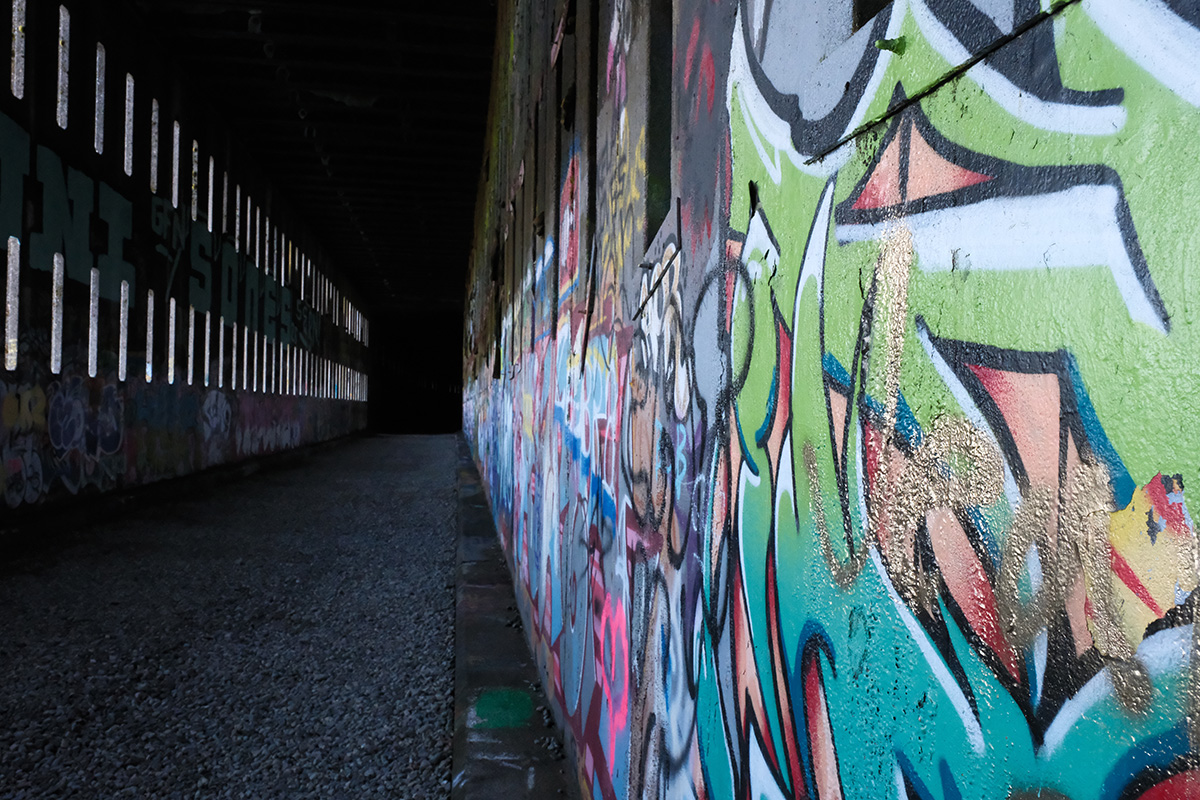
Saturated colors are dialed back. The most saturated colors get desaturated a touch. In a portrait, the cheeks and lips look a bit more subdued. In fall leaves, the greens are less saturated. In a graffiti scene, the teals that were very saturated in Provia are toned down. Same with a splash of pink under the sign below. It’s not muted, though. The colors just don’t stand out as much.
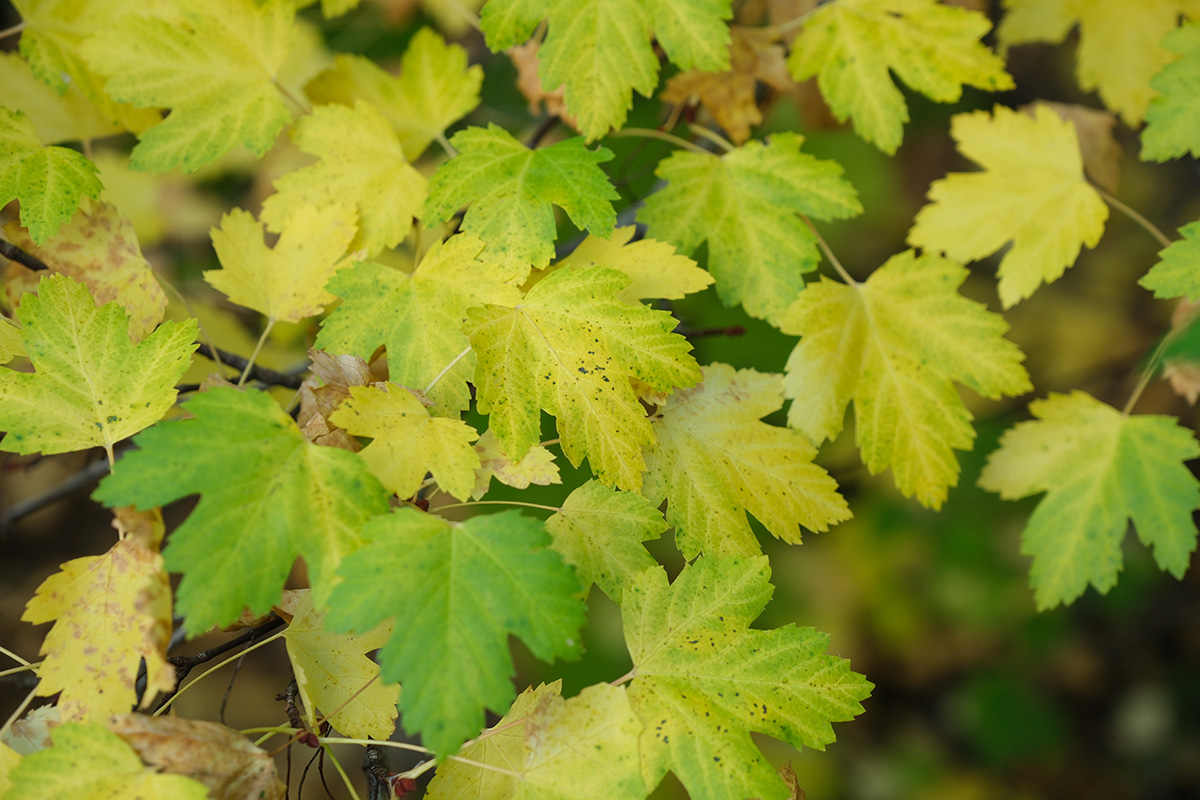


Blues get darker. Reala Ace has an effect built in that’s very similar to Color Chrome FX Blue, the setting that works a bit like a polarizer on skies. Blue skies come out noticeably darker than in Provia. In the example above, the blues in the sign and the sky both went darker.
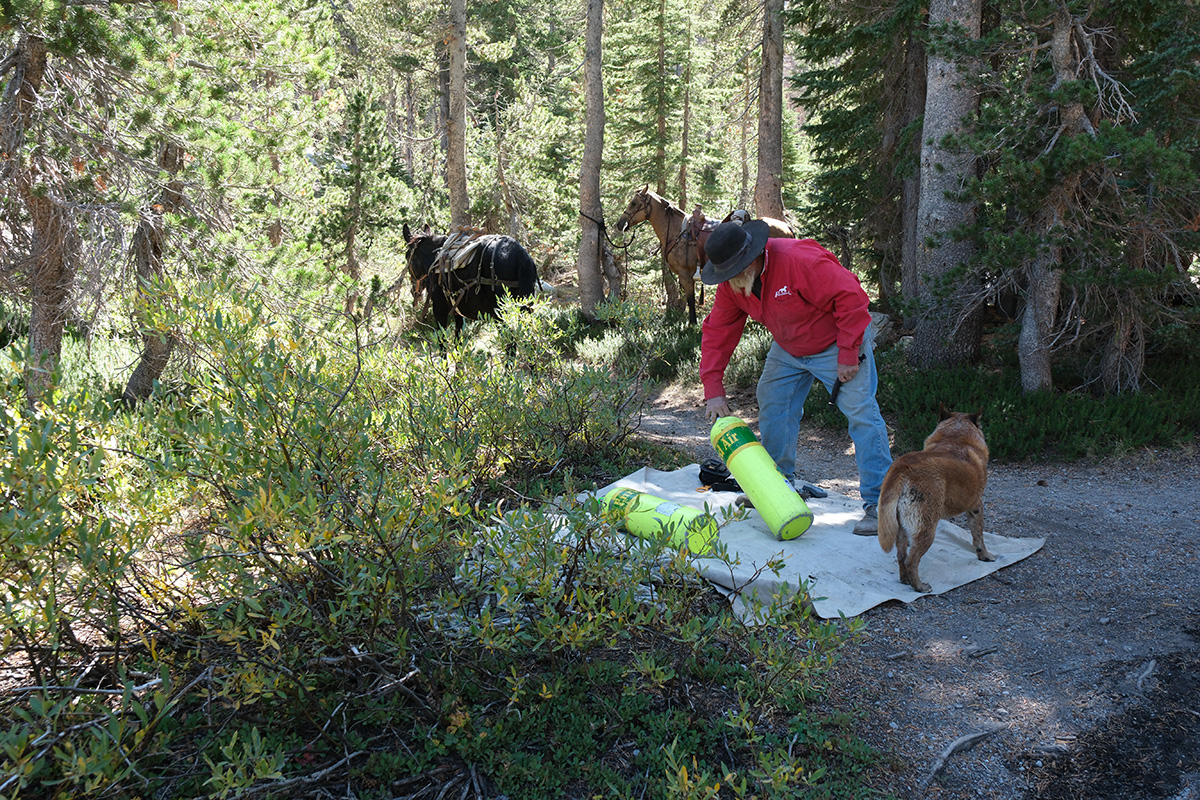
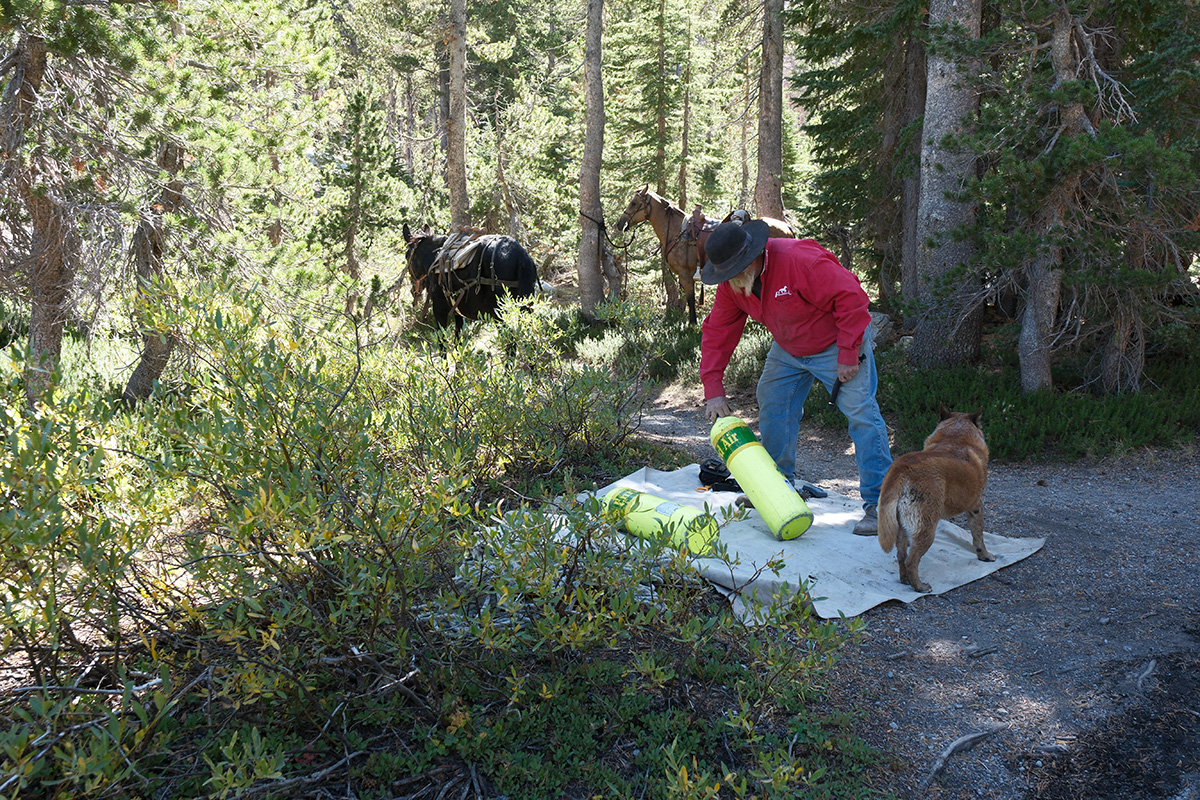
Some colors change in brightness. In a shot with blue jeans and a red shirt, both the reds and the blues looked a little darker and slightly less saturated. In the graffiti scene, some greens actually got brighter while still being desaturated.
When to Use Reala Ace
Provia has long been considered the "fallback" when you don’t know which film simulation to use. Reala Ace can be another alternative. It’s a good general-purpose simulation when you want natural color for things like travel, portraits, family photos, and mixed subjects.
It behaves differently from Provia in three ways:
- It has more punch in the highlights.
- The colors aren’t as saturated.
- The darker blues give you better separation between clouds and sky.
Reala Ace Is Not a Stylized Simulation
Compare it with something like Nostalgic Neg, which warms everything and gives a deliberate ’70s feel. Nostalgic Neg is a stylized simulation. Reala Ace is neutral; it doesn't provide the "mood" like some of the stylized film simulations. If you want natural color with a bit more punch and less saturation than Provia, try Reala Ace.
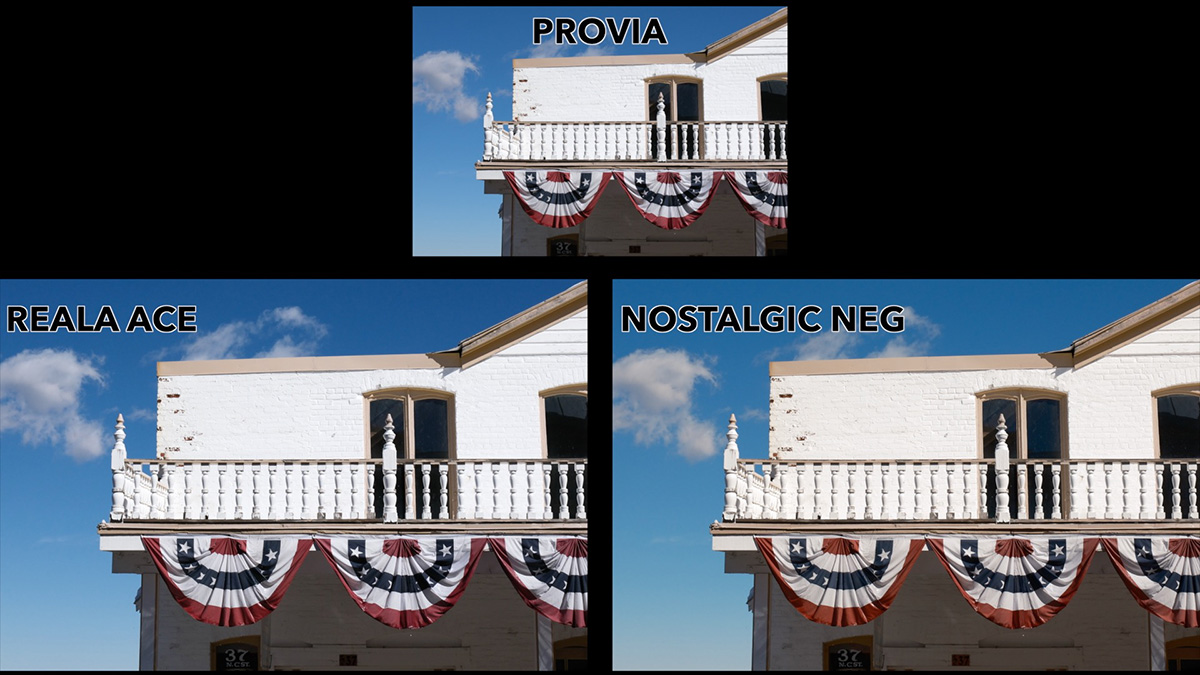
You can watch this video to compare Nostalgic Neg and Reala Ace:

Try It on Your Own Photos
All of this is subjective, and I also can’t show comparisons with the things you photograph. The best way to find out what Reala Ace does for you is to shoot your usual subjects with it and compare it.
- Use film simulation bracketing, which every Fujifilm camera has, to capture the same scene in several simulations.
- If you shoot RAW, use Fujifilm X RAW Studio to change the simulation after the fact, on your computer.
Quick Summary
| Reala Ace vs. Provia | |
|---|---|
| Highlights | Punchier, more contrast |
| Shadows | Slightly softer, a bit more texture and color |
| Color cast | None, stays neutral |
| Saturated colors | Desaturated a touch |
| Blues | Darker, similar to Color Chrome FX Blue |
| Best for | Travel, portraits, family, mixed subjects |
If you want to see a comparison of all of Fujifilm’s film simulations, along with some of the history behind them and tips for using them, my free Learn Fujifilm Film Simulations course covers everything.